Zaqenimorux
System Functions

Functions Available Through the Zaqenimorux System

An explanation of each capability built into the Zaqenimorux platform, from the way information is received and classified to the tools available for review and navigation.

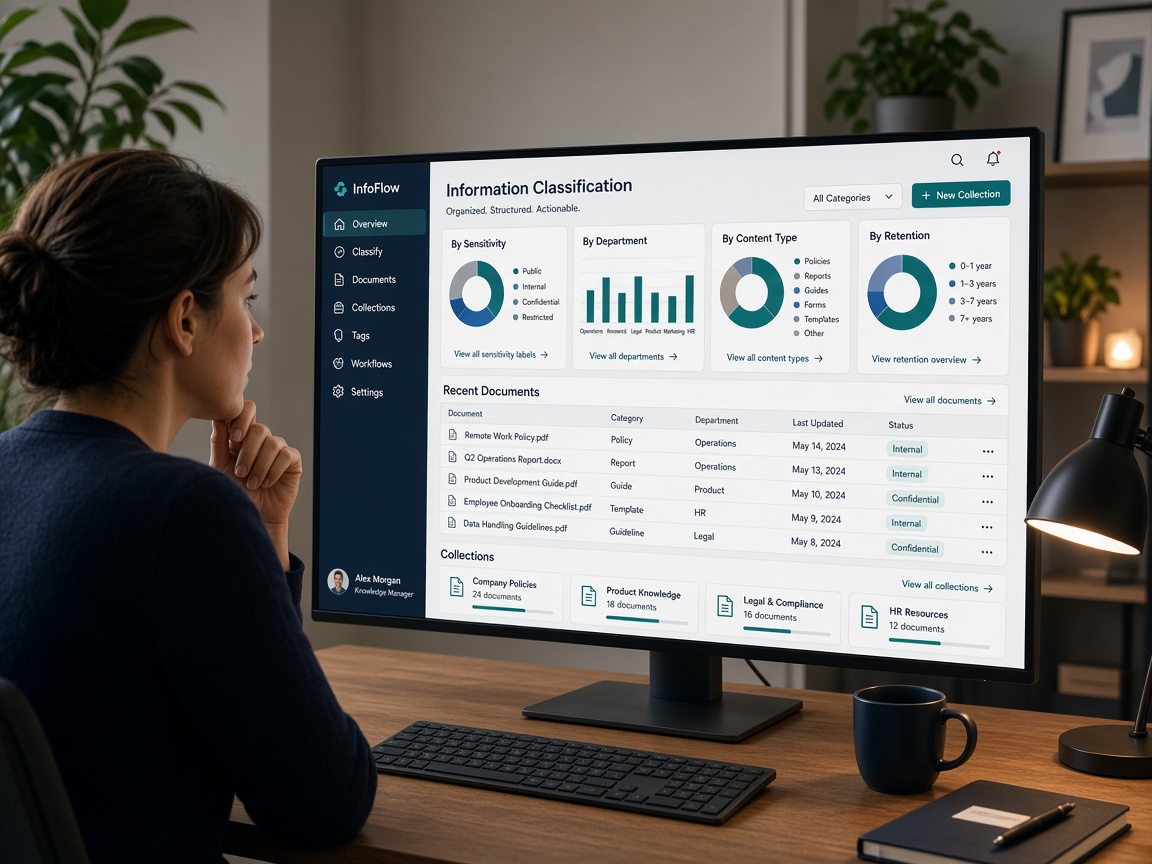
Person reviewing structured information panels and classification categories on a large monitor in a professional workspace
Why functions matter

Each function serves a specific information task

The Zaqenimorux system is built around a set of clearly defined functions. Rather than providing a general environment that users adapt to their own purposes, the platform has been designed with specific information tasks in mind. Each function addresses one part of the broader workflow of receiving, organising, and reviewing structured content.

Understanding what each function does — and what it does not do — helps users make informed decisions before requesting access. The descriptions on this page reflect the intended design of the system. Where a detail has not been independently verified, this page uses language that reflects that uncertainty.

The full set of available functions

The following descriptions explain what each function is for and how it operates within the overall system. Not all functions are available at all access levels.

Category management

The platform maintains a configurable category structure that defines how information is organised at the top level. Administrators can create, rename, and restructure categories to reflect the logical groupings appropriate to the information set in use. Users with standard access see the category structure but do not modify it directly.

Automated classification processing

When new information enters the system, the classification engine analyses its content characteristics and compares them against the established category structure. The engine proposes a classification, which is applied according to the confidence level and review rules set for the system. Users can view classification decisions and, at appropriate access levels, submit correction requests.

Layered summary and detail views

The interface presents information in two distinct layers. The summary view shows an overview of items within a category, with key identifying fields visible at a glance. Selecting an item opens the detail view, which presents the full record in a structured format. Users can move between layers without losing their place in the category hierarchy.

Cross-category search and filtering

Users can search across multiple categories using text-based queries and structured filters. The search function returns results ranked by relevance and displays the category context of each result. Filters allow users to narrow results by category, record type, date range, or other available fields without requiring technical knowledge.

Configurable display preferences

Users can set a range of display preferences that affect how information is presented during their session. These preferences include the default sort order for items within a category, the fields shown in the summary view, and the degree of detail displayed in overview panels. Preferences are stored per user account and persist between sessions.

Structured enquiry submission

Users can submit enquiries about specific records, categories, or platform functions through the integrated enquiry tool. Enquiries are tagged with the relevant context — such as the category or record the user was viewing — which helps the support team understand the question without requiring users to describe it from scratch. Responses arrive through the email address associated with the user's access.

Contextual navigation panels

The navigation structure of the platform adapts to the user's current location within the information hierarchy. When a user is within a specific category, the navigation panel updates to show related subcategories and recently viewed records. This contextual approach reduces the effort required to move between related areas of information.

Export and record reference tools

Users can generate reference identifiers for specific records and, where permitted by their access level, export structured summaries. Exports are produced in standard text-based formats suitable for local reference. The export function does not bypass the classification structure; exported records retain their category context and identifying metadata.

How access to the system is arranged

The process below describes the general path from initial enquiry to active use of the Zaqenimorux interface. Each step involves communication with the support team.

  1. Read platform information

    Review the overview, functions, and supplementary pages to understand the system before submitting a request.

  2. Submit an enquiry

    Use the contact form to introduce yourself and describe how you intend to use the platform.

  3. Team review

    The support team reviews your request and may ask clarifying questions before responding.

  4. Access established

    If your request is accepted, the team will communicate the next steps for setting up your access.

Next step

Enquire about access to the Zaqenimorux system

The support team can answer questions about specific functions and explain which access level would suit your intended use.